Settings
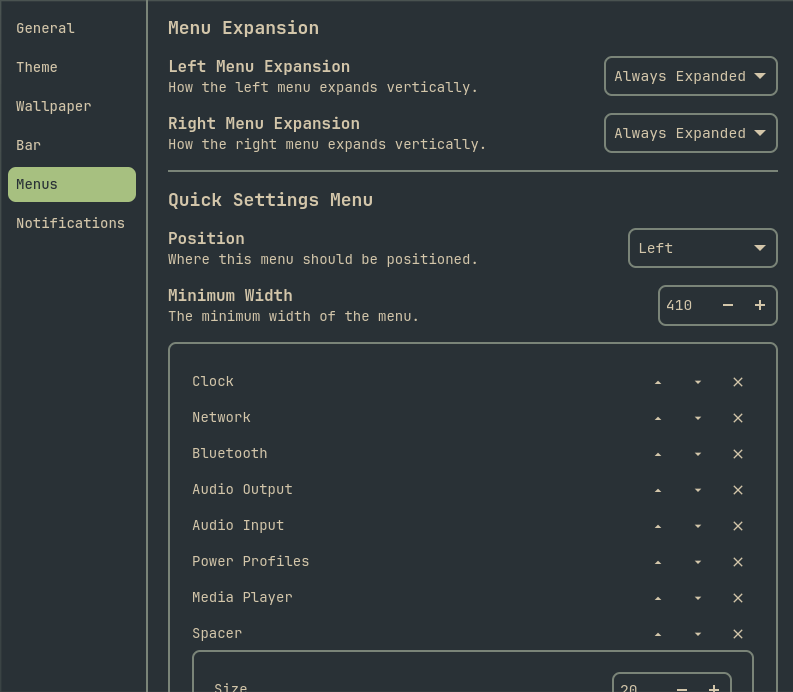
Changing settings
All configuration settings can be changed in the settings window. To open the settings window use okshellctl settings. Or click the Quick Action Settings menu widget.
You can also edit the yaml config file directly in ~/.config/okshell/profiles/default.yaml
NOTE
The default.yaml file is created automatically after changing any setting. If you have not changed a setting yet, it will not exist.
Profiles
If you want to experiment with different settings, you can create multiple profiles. Open Settings -> General -> New Profile This will create a new yaml file in ~/.config/okshell/profiles/